
How to Work Out How Many Tiles You Need
Ordering tiles online can feel a little daunting, but it’s actually quite simple once you know how. Follow these easy steps to calculate how many tiles to order for your project.
Ordering tiles online can feel a little daunting, but it’s actually quite simple once you know how. Follow these easy steps to calculate how many tiles to order for your project.
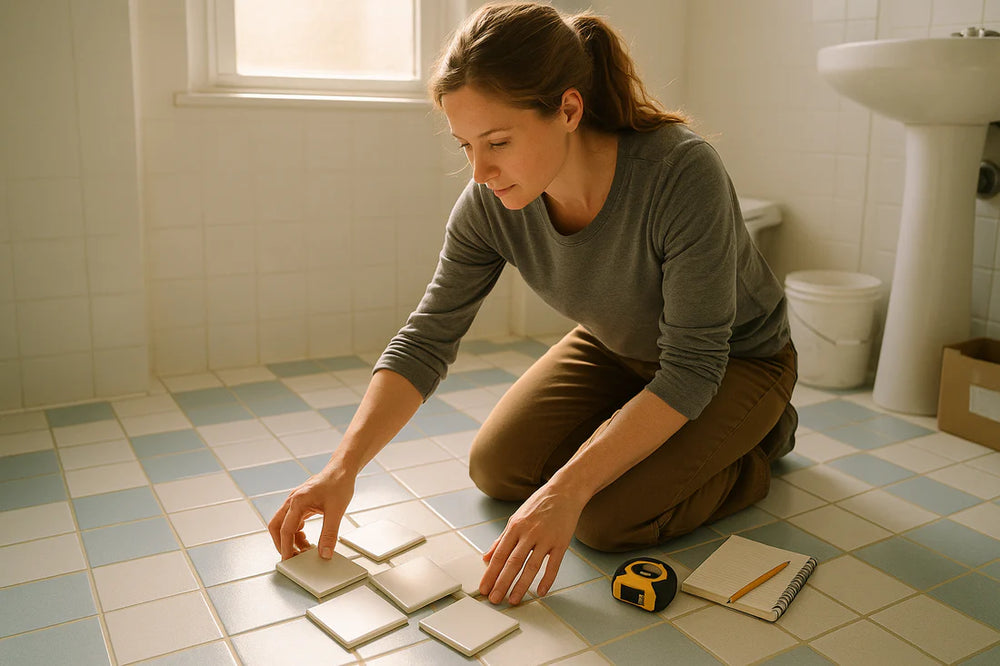
If you’re tiling a bathroom, start by measuring each wall (elevation) and the floor.
Measure the length and height of each wall in metres.
Multiply those numbers together to get the square metres (m²) for that surface.
Do this for every wall and the floor, then add them all
together.
Example:
If a wall is 2.5 metres long and 2.4 metres high:
2.5 × 2.4 = 6 m²
Most people add around 10% extra for cuts and waste. However, as tiles are now often much larger, you might find 12–15% is more realistic to allow for extra wastage.
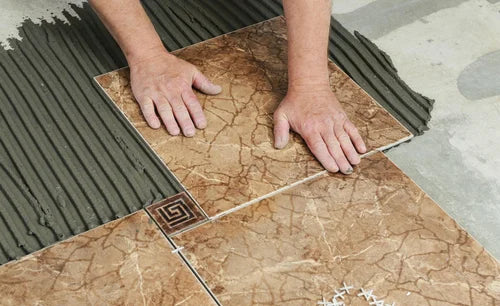
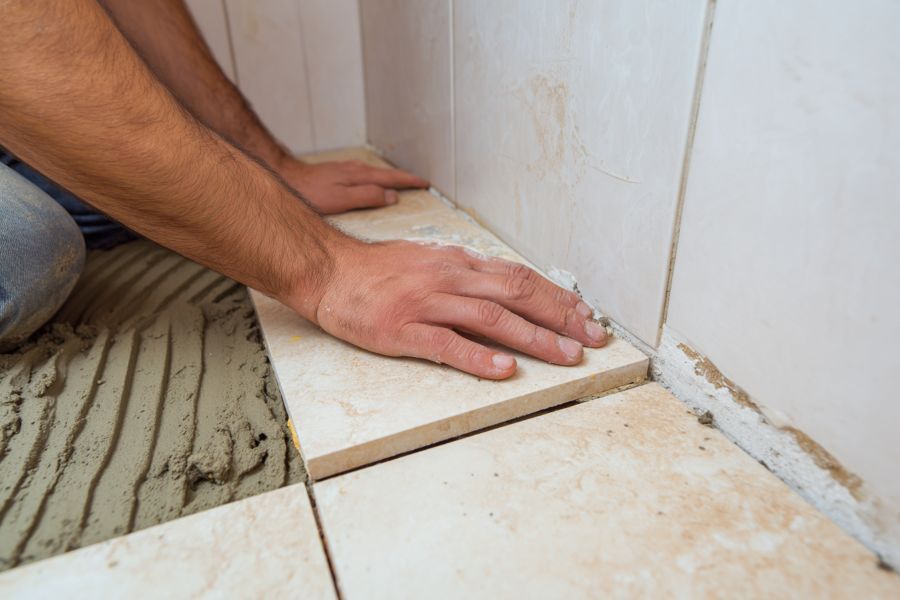
Larger tiles may require more precise measuring. To
check, you can set out the room using your
chosen tile size:
· Measure the width and height of each wall.
· Divide those measurements by the size of your tile (in metres).
· This will tell you how many tiles fit across and how many high.
· Multiply those numbers to find the total number of tiles per wall or floor area.
Example:
If a wall is 1.8 metres wide and you are using 90 × 90 cm tiles (0.9 × 0.9 m): 1.8 ÷ 0.9 = 2 tiles wide
Then multiply by the number of tiles high for the total needed.
Each tile has its own size in square metres. You can work out the total area they will cover using this calculation:
Tile width (m) × tile height (m) = tile coverage (m²)
Then divide your total wall and floor area by the tile coverage to work out how many tiles or boxes you need. Remember, tiles are usually sold per box, so check how many square metres one box covers.
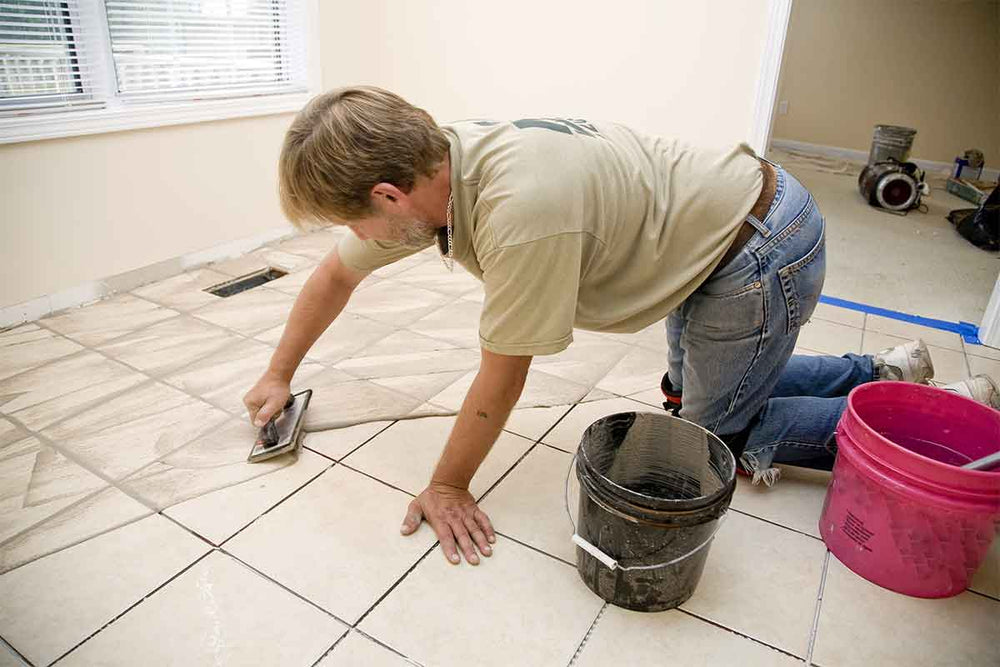

If you’re unsure about your measurements or want help checking your figures:
· You can email your measurements and photos to us for advice.
· We can also arrange a video call to go through your
calculations with you.
· If you are using your own installer, they should always double-check the measurements before ordering.
Once you’re happy with your measurements, simply add the correct number of boxes to your basket and complete your order online.
We’re here to help every step of the way, from measuring through to delivery.
Tip: Always keep a few spare tiles after
installation for any future repairs.
Need Help? Email your measurements or photos to our team for a free check before you order. We’ll make sure you’ve got everything you need for a perfect result.

Measure each wall and floor area
Allow for cuts & spares
Check tile size and room layout
Convert tiles into square metres
Get extra help if you need it
Start your order with confidence